Roadside Research Save Sharing Guide - Co-op Without Host Limits
Share your Roadside Research save with friends using SaveSync. Let anyone host so your co-op progress is never locked behind one player.
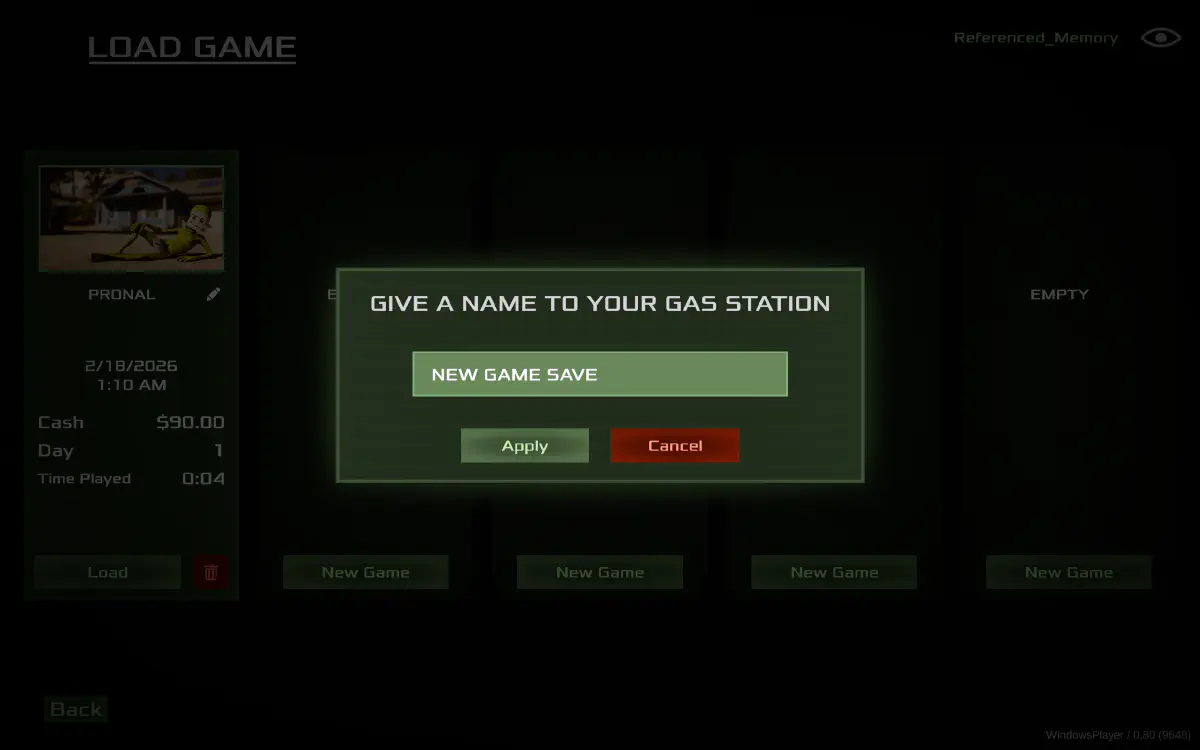
Roadside Research is a co-op game where you and your friends investigate strange phenomena, conduct experiments, and piece together mysteries in an eerie roadside setting. The collaborative nature of the game means everyone contributes to the investigation - gathering clues, running tests, and making discoveries together.
But like many co-op games, the save belongs to whoever created the session. When the host is offline, the investigation stalls. Your clues, your experiment results, your progress - all locked away. For a game built around collaborative discovery, this is a significant limitation.
How SaveSync Keeps the Investigation Going
SaveSync shares your Roadside Research save across every player in the group. After each session, the save is automatically synced. Any player can load it and host, so the investigation never depends on one person’s schedule.
How to Set Up SaveSync for Roadside Research
- Install SaveSync from Steam. All co-op players need it.
- Create a sync group and invite your investigation partners.
- Configure the save path in SaveSync. The Roadside Research SaveSync guide provides the exact folder locations and setup process.
- Play your sessions as usual. Investigate, experiment, and save your progress normally.
- SaveSync handles the rest. The save syncs to all members when the session ends.
- Any player can continue the investigation. Load the synced save and host for whoever is available.
Quick one-time setup, then fully automatic.
Why Use SaveSync Instead of Manual Transfers
Sharing saves manually might seem simple for a smaller game, but the problems are the same:
- Progress loss from stale files. If someone loads an outdated save, discoveries from recent sessions disappear. SaveSync always distributes the latest version.
- File placement errors. Putting the save in the wrong directory means it will not load, or it could overwrite other saves. SaveSync handles file placement automatically.
- Coordination tax. Having to message the host, wait for them to upload the file, then download and place it correctly - all before you can even launch the game. That friction adds up and discourages playing.
- No version history. If something goes wrong with a manual transfer, there is no way to roll back. SaveSync maintains save versions so you can recover from mistakes.
For a game centered on discovery and teamwork, the last thing you want is a tedious file-management process getting in the way.
Uncover the Mystery on Your Schedule
Roadside Research is designed for groups who want to solve puzzles and uncover strange truths together. That experience works best when everyone can contribute on their own time. With SaveSync, the investigation is always open. Log on, load the latest save, and keep digging for answers.