How to Share Your Raft Save With Friends Using SaveSync
Share your Raft co-op save so any player can host. Keep sailing and building together even when the host is offline with SaveSync.
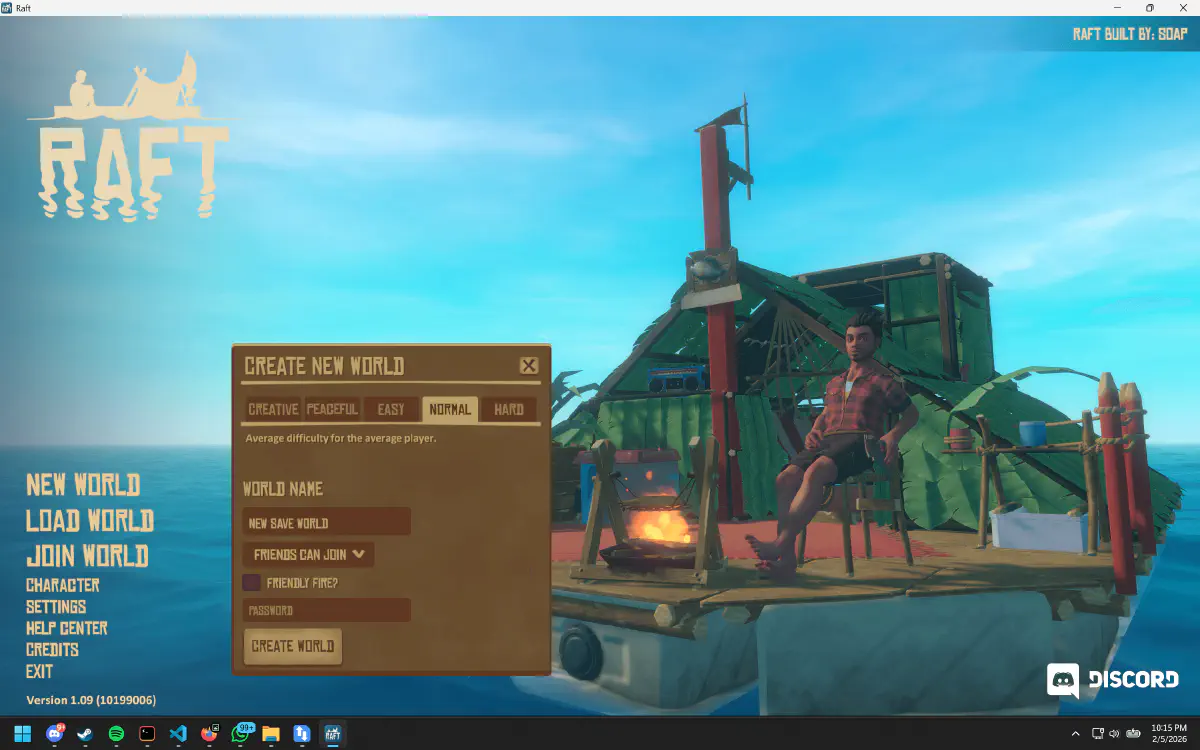
You and your friends have turned a tiny floating platform into a multi-story vessel in Raft. You have a water purifier, crop plots on the upper deck, a navigation system pointing toward the next story island, and enough supplies to survive anything the ocean throws at you. Then the host goes offline, and your magnificent raft disappears beneath the waves of inaccessibility.
Raft’s co-op save system ties the world to the host player. SaveSync cuts that anchor and lets anyone in your crew take the helm.
Why Your Raft Is Locked to One Player
Raft stores the entire game state on the host’s machine, including the raft structure, inventory contents, world progress, and story completion. When friends join your session, they are guests on your raft. They can build, gather, and explore, but they have no copy of the save.
This creates a unique frustration in Raft because the game has a linear story progression. Your group needs to visit specific islands in order, solve puzzles, and collect notes to advance the narrative. If the host is unavailable during a weekend when everyone else is free, the story stalls and the group either waits or does something else entirely.
How SaveSync Sets Sail for Everyone
SaveSync synchronizes your Raft save file to every player in your co-op group. When a session ends, the host syncs the save. Any other player can then pull the latest version and host the game themselves.
Your raft stays built. Your story progress carries forward. Your supplies remain in their chests. The ocean is always open for business, regardless of who is captaining the session.
How to Set Up SaveSync for Raft
- Install SaveSync from Steam.
- Create a sync group and invite your crewmates via Steam.
- Select Raft and configure the save file location.
- Sync after each session to share the current world state.
- Any crew member can host by pulling the latest save and launching the game.
For a detailed walkthrough, check out our Steam guide.
Why Use SaveSync Instead of Other Methods?
vs. Dedicated servers: Raft does not support dedicated servers. The only way to play multiplayer is through host-and-join co-op. SaveSync is the most practical solution for giving multiple players the ability to host the same world.
vs. Manually transferring save files: You could locate the Raft save files and pass them around, but keeping track of which player has the latest version becomes chaotic with a group of four. One stale save load and your newly expanded second deck might be gone. SaveSync automates versioning so the latest save is always clear.
vs. Coordinating play times: Raft is a game that mixes exploration with downtime. Sometimes you want to sail to the next island and push the story forward with the full crew. Other times, you just want to fish, reorganize storage, or expand the raft by yourself. SaveSync lets you do the solo stuff whenever you want without waiting for the host.
The Ocean Does Not Wait
Your raft is a living project. Every plank placed, every system installed, and every island discovered adds to the journey. SaveSync makes sure that journey is available to every member of your crew, whenever the wind calls them to sea.