Abiotic Factor Save Sharing Guide - Play Without the Host
Learn how to share your Abiotic Factor save with friends so everyone can play without the host online. Set up SaveSync in minutes.
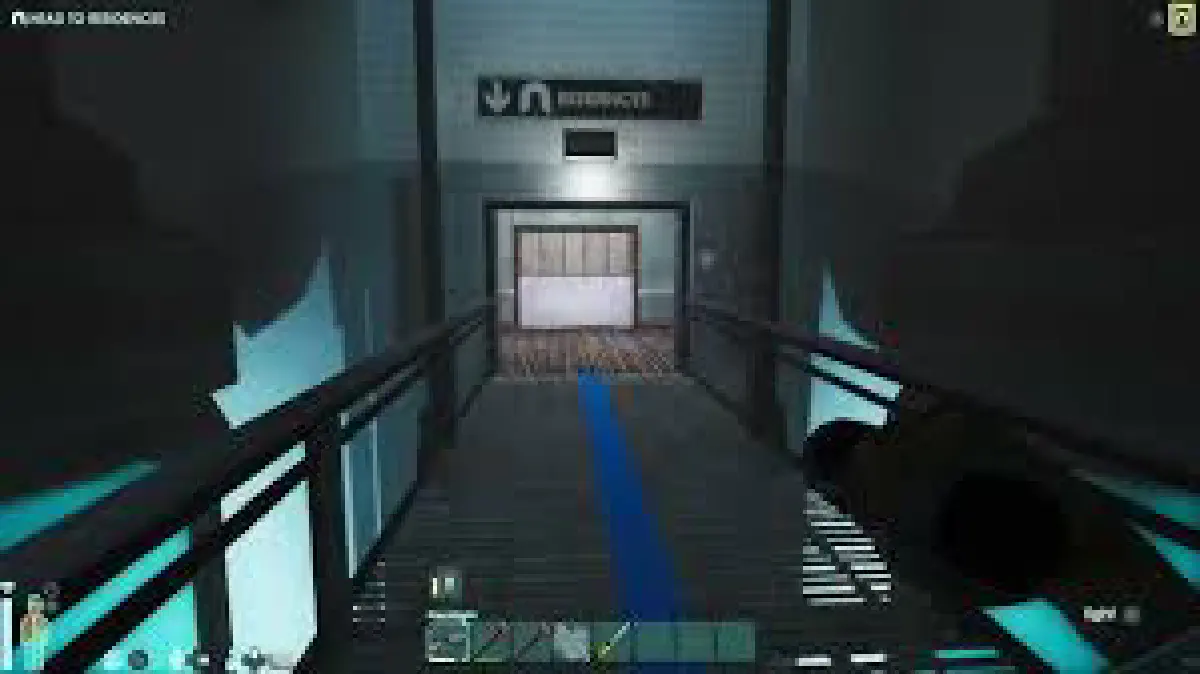
If you have been playing Abiotic Factor co-op with friends, you already know the biggest frustration: only the host can load the world. The moment they go offline, everyone else is locked out. Your research facility, your crafted items, your hard-fought progress - all sitting behind someone else’s schedule.
This is a core limitation of how Abiotic Factor handles multiplayer saves. The world file lives on the host’s machine, and the game has no built-in mechanism to transfer it between players. That means if your host is busy, traveling, or just not in the mood, your entire group is stuck.
How SaveSync Solves This
SaveSync is a lightweight tool on Steam that automatically synchronizes save files between co-op players. Once configured, every player in your group gets an up-to-date copy of the world. Anyone can boot up the game, load the save, and host for the rest of the group.
No more waiting. No more begging your friend to come online just so you can explore the next floor of the facility.
How to Set Up SaveSync for Abiotic Factor
- Install SaveSync from Steam. Every player in your group needs it.
- Create a sync group in SaveSync and invite your co-op partners.
- Point SaveSync to your Abiotic Factor save folder. The detailed folder paths and configuration steps are covered in the official Abiotic Factor SaveSync guide.
- Play as usual. When the host saves and exits, SaveSync pushes the latest save to all group members.
- Any player can now host. Just load the synced save file and invite the others.
The entire process takes a few minutes to configure, and after that it runs silently in the background.
Why Use SaveSync Instead of Manual File Sharing
You could technically share save files through Discord, Google Drive, or a USB stick. Here is why that falls apart quickly:
- Version conflicts. Without automatic sync, someone will inevitably load an outdated save and overwrite hours of progress.
- Manual effort every session. Someone has to remember to upload the file, someone else has to download it, and everyone has to put it in the right folder. Every single time.
- No conflict detection. If two people play separately and both modify the save, you have no easy way to reconcile the changes.
SaveSync handles all of this automatically. It tracks save versions, pushes updates when a session ends, and makes sure everyone is always on the same page.
Keep Exploring the Facility on Your Own Terms
Abiotic Factor is built around slow, methodical exploration and resource management. Losing access to your world because of scheduling conflicts kills the momentum. With SaveSync, your group’s progress belongs to everyone - not just whoever happened to create the lobby first.
Whether you are deep into anomaly research or still figuring out how to keep the lights on, SaveSync makes sure the save is always where you need it.